How to Create an Encrypted ZFS Pool on Linux/BSD
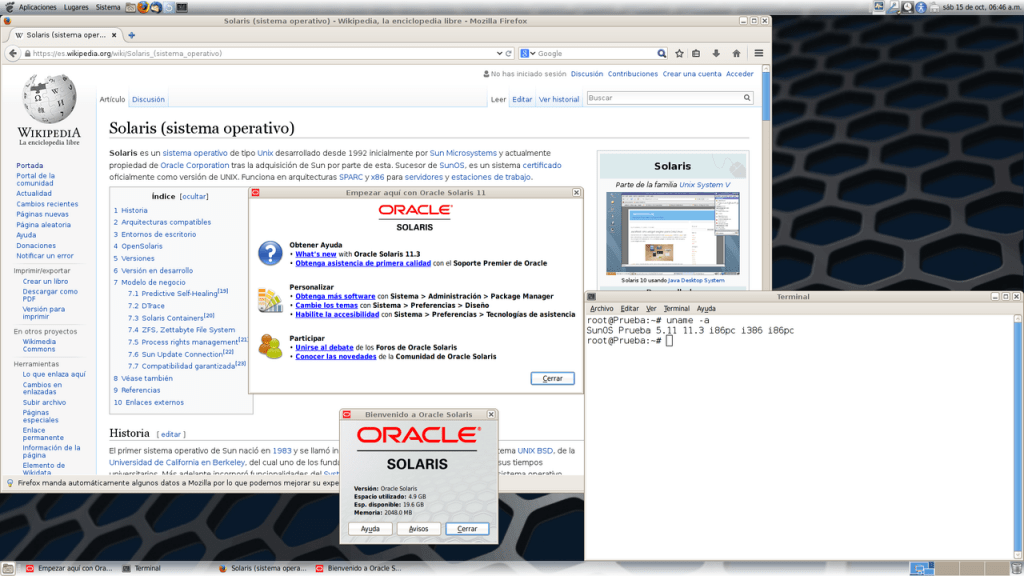
Over the past few years, the market share for the ZFS File System has grown substantially. Once a filesystem developed by Sun Microsystems for Solaris, ZFS has since become available on other UNIX Operating Systems, such as BSD, and later on Linux. ZFS offers incredible capabilities, such as RAID-like disk pools, snapshots, quotas, and full-disk encryption. This article focuses on encryption, showing you how to create and encrypt a ZFS pool on Linux/BSD.
What Type of Pool Should I Create?
This article does not cover full-disk encryption for the boot/OS partition, which ZFS does not support; it requires external tools such as GELI.
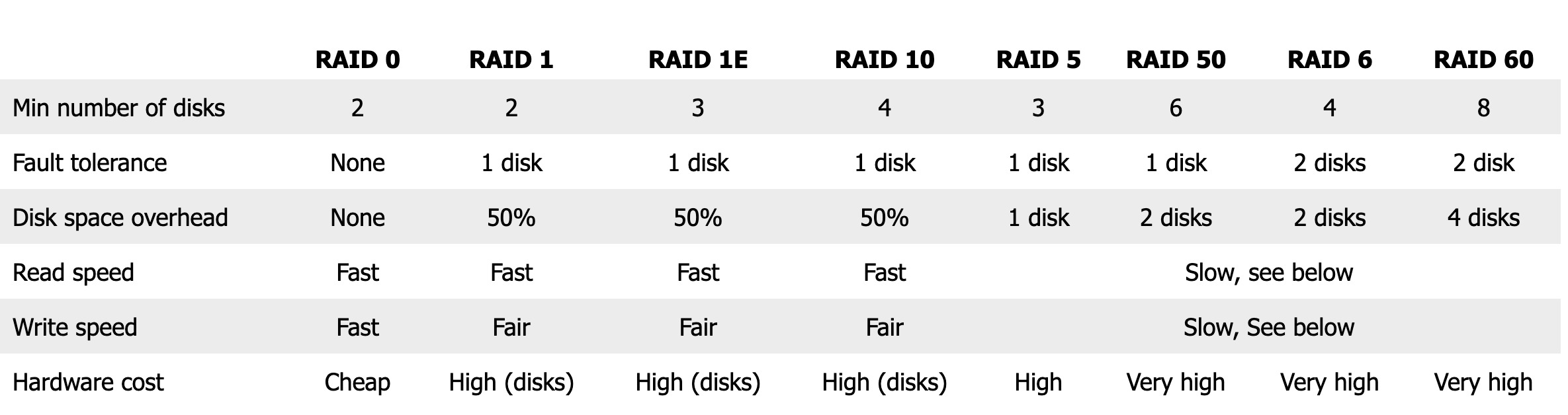
Different types of encrypted ZFS pools are acceptable for different hardware and storage capacities.
Users must choose among stripe, mirror, raidz10, raidz, raidz2, and raidz3 configurations.
Info Toast will soon release an article on the pros and cons of each format.
Creating the Encrypted ZFS Pool on Linux/FreeBSD
First, you will need to determine which drive(s) you will use in your new encrypted ZFS pool and how your system identifies them.
On FreeBSD:
# geom disk listOn Linux:
sudo sfdisk -lFor a single disk, run the following command, replacing ada0 with your disk name. This will encrypt a ZFS pool on Linux and FreeBSD:
# zpool create -o encryption=on -o keyformat=passphrase <name> ada0Or, for multiple disks, run the following command, but replace <raid type> with mirror, raidz, raidz2, raidz3, etc. Do not write anything if it will be stripe.
# zpool create -o encryption=on -o keyformat=passphrase <name> <raid type> ada0 ada1 ada2Finally, enter a password when prompted so that the encryption is password-based.
Creating Datasets within your Encrypted ZFS Pool
It is crucial that administrators can keep tabs on which datasets are properly mounted with encryption. To do that, create your datasets with the canmount property set to noauto, so zfs does not attempt to mount encrypted datasets on boot.
# zfs create -o canmount=noauto <pool>/<name>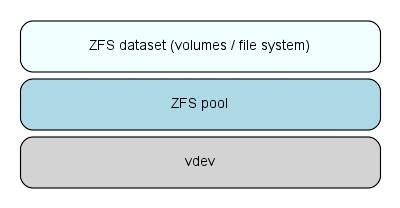
Mounting Your ZFS Pool and its datasets on boot
When the system boots, no data within your encrypted ZFS pool will be available. This is because ZFS needs your encryption password to read its own files. Start by loading the encryption password:
# zfs load-key -aYou will be prompted to enter your encryption password. Once that password entry is successful, run the following command to mount all datasets within the ZFS pool:
# zfs mount -a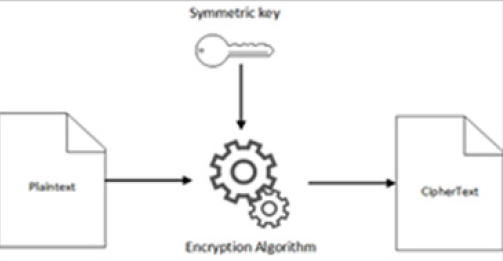
What if I just want to encrypt a dataset?
If all you want to do is encrypt a single ZFS dataset, the process is similar, but a little simpler:
# zfs create -o encryption=on -o keyformat=passphrase -o canmount=noauto <pool>/<dataset>Conclusion
This article shows you how to create Encrypted ZFS pools on Linux and FreeBSD. Full disk encryption improves user privacy by preventing attackers who steal computers or drives from accessing their contents. Encryption on ZFS is particularly important for servers that could be targeted by in-person breaches, in which criminals steal physical hard drives.